All Categories

More options for user interface?

Search
Jun 27, 2026, 14:1306/27/26
01/23/26
274

More options for user interface?

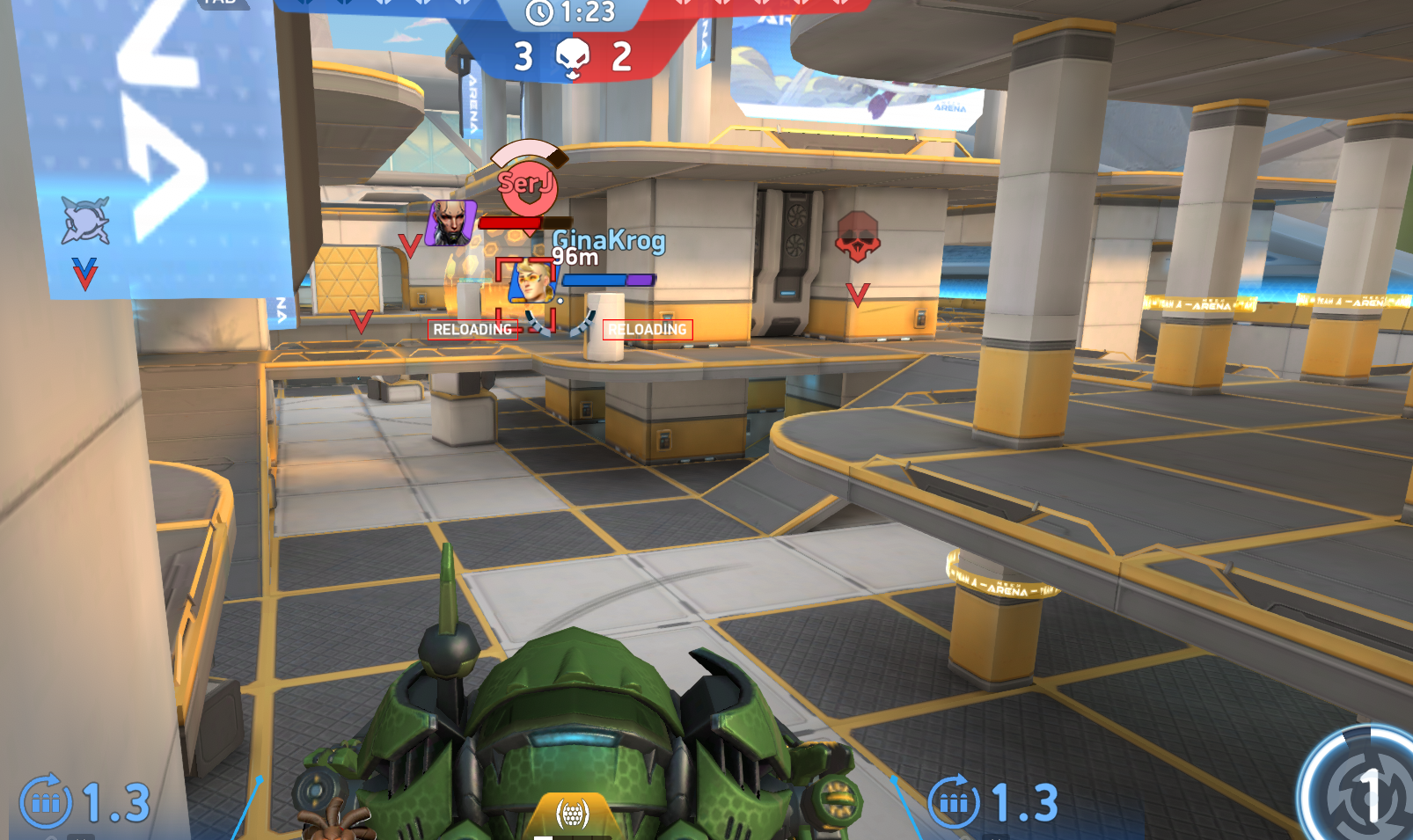
I recently removed anything I could think of but my screen is still full of crap that makes me unable to see the enemy... and for me is more important to know where I shoot than to see stupid animations

Can you actually see where you shooting?? The captured moment is not the worst one, it's actually very light example, it happens a lot lot worse than this if you are shooting long range into some corridor with a lot of players, the worst thing is actually your own allies. 

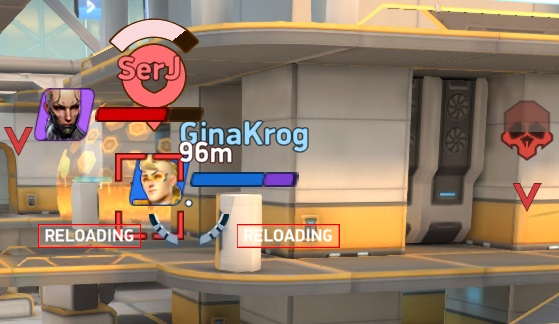
Is it really necessary to show so much and so huge? Like Pilot image of my ally?? DO I give any crap about it in any possible circumstances?? A death animation that takes same amount of screen when enemy dies next to you or 200 meters away? What is this red shield with health on it I have no even idea!!!! Only now for the first time I think it means the Aegis shield and it's health, but come on does anyone give a crap about it? It's unbreakable realistically. Enemy Pilot people say may be useful, but I still had not memorized all of them, I think this one means it's wearing assault weapon, but it can really wear anything, I don't think I want a huge enemy pilot picture in all games. What are these V icons? Totally no clue. Reloading? Is me realoding? I can see it around my crosshair anyway. The red square as a target lock i totally have no clue why it needs to be shown. 

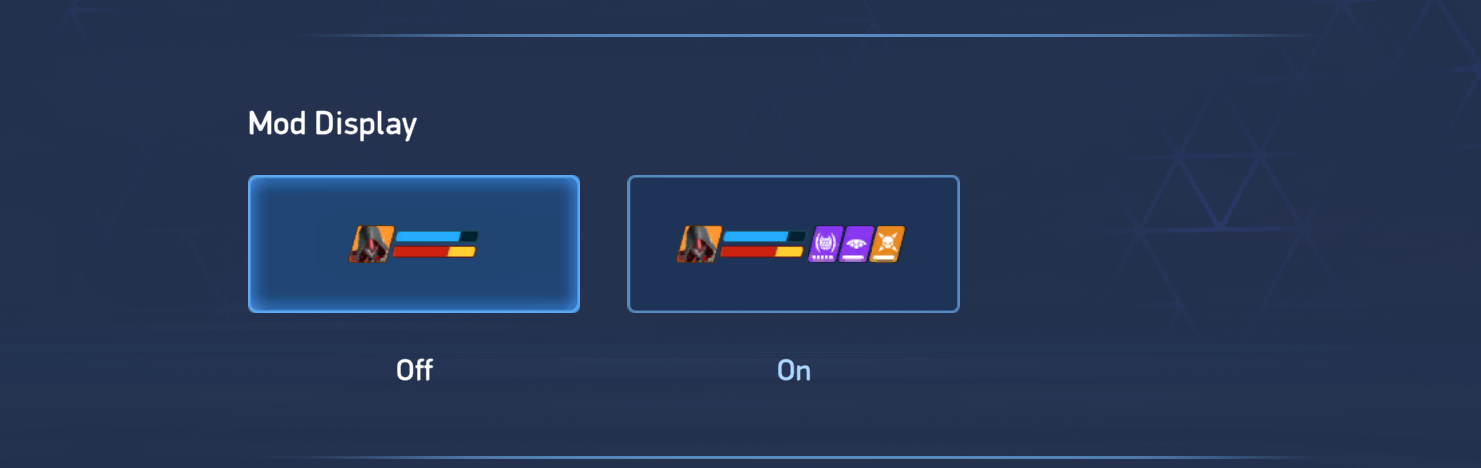
So I just wanted to ask if anybody ever sonsidered enable/disable toggles for all these things in settings? I don't need most of them they just clutter my screen and preventing me to see where i'm firing at. Lot of things useful I agree, I would want to see if somebody is blinded or frozen etc, but how about making it scale down at distance? If somebody is frozen 200m away does not really help me does it?
i


i

Views
7
Comments
3
Comments
Jun 27, 2026, 16:1806/27/26
04/07/23
107
  • Mostly, your allies are shown to help them if they need (but the game has already become a single player game and I could see teamwork only when they target my Hemlock for no reason). but it's not a real necessity, to show such magnified versions of your allies
  • The "V" shaped icons mean that mechs are located at that exact point at that time. Useful when your Outlaw wants to use its ability to help its allies or for yourself
  • Bro, I had never seen Aegis sheld HP in my games (most probably I'd prefer moving away as soon an Aegis's dome is deployed). But thanks for letting me know that Aegis shield shows it's HP
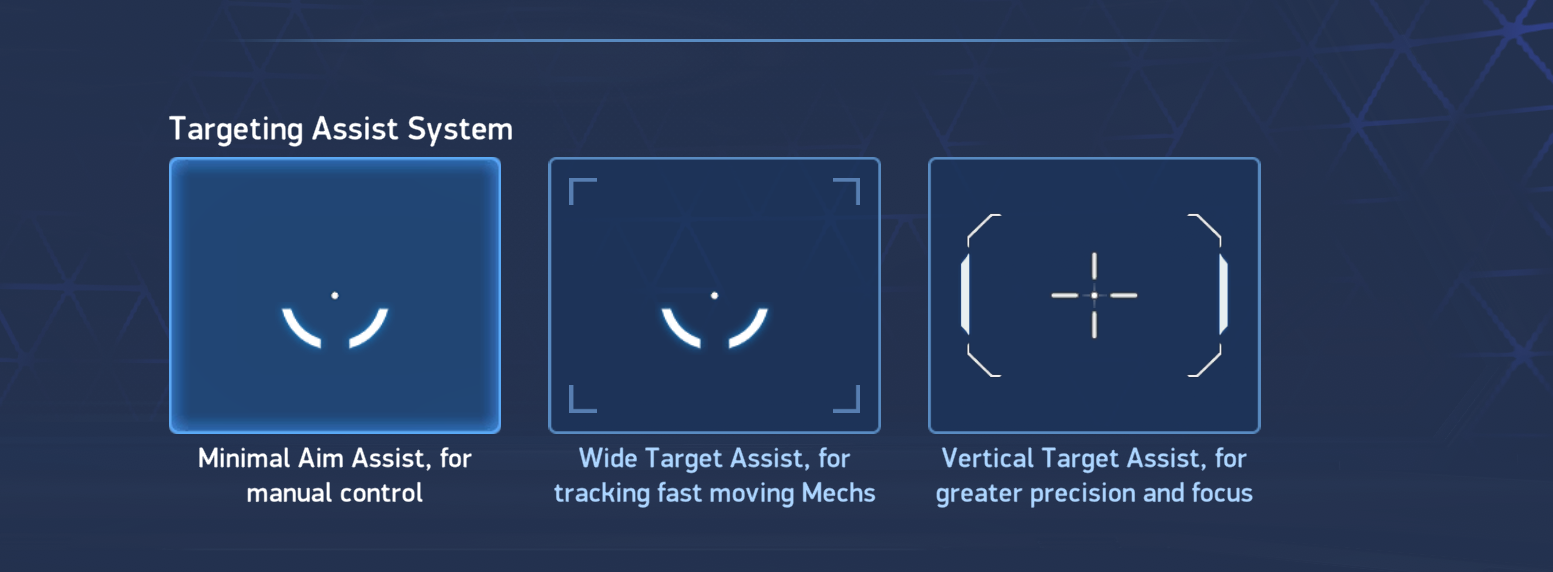
  • The "Target Lock" feature will turn on automatically if you aim at a paricular mech for a long time in the "Wide Target Assist" (I don't like that feature, so I changed it into Vertical Target Assist). You can try changing it to Vertical Target Assist

I never considered to toggle off any of these features (except for changing the target assist), cuz I feel everything becomes messy when playing in my phone. I think that the devs will try to look into this issue because the game is quite messy in smaller screens with lot of large things.

I think that you could see every single thing because of Outlaw. Because now it's Foul Play will pass through walls, and that means you can see through everything that falls under the range of Outlaw's ability


Jun 27, 2026, 18:0106/27/26
01/23/26
274

That's my target assist :) called no assist.. So i don't get why they need to give me massive red square if I turned everything off


i


i


i


Jun 27, 2026, 18:0206/27/26
06/26/24
111

Those features are to help players know the situation in the battlefield and help alot. However, I do agree on your point of them clattering the user's view and would foward that to the team.